
Tutorial & User Guide
A complete, visual guide to using Clause & Effect — from your first login through to AI-powered bid assessment, response optimisation, and maturity benchmarking.
Contents
Clause & Effect is a zero-installation, browser-based decision-support tool. It helps procurement professionals generate tailored, risk-proportionate sustainability questions for tenders and contracts. Open the app and you will see the welcome screen below:
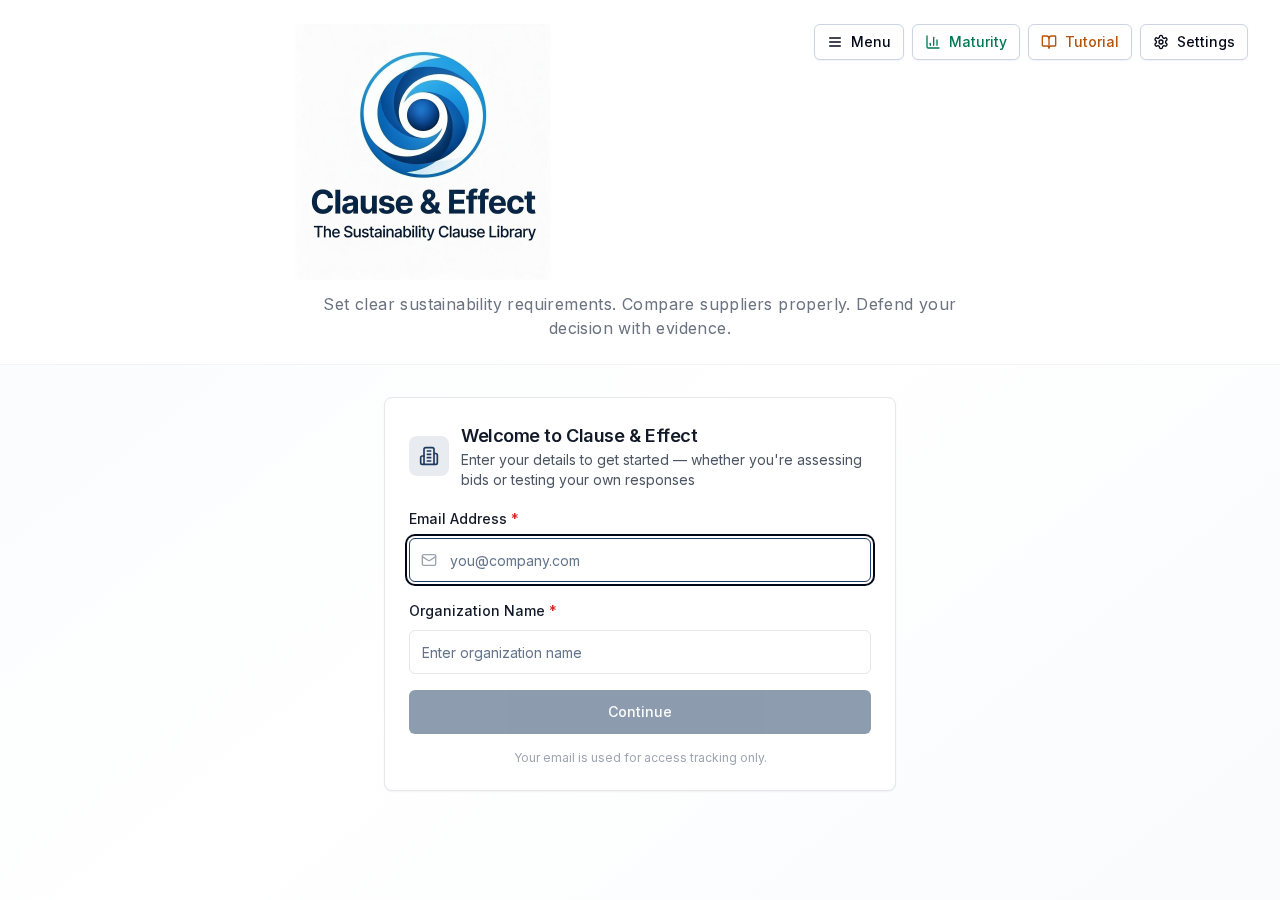
The landing screen — enter your email and organisation name to begin
Enter your email address
This is used to personalise question sets and for access tracking. Your email identifies you across sessions — returning users skip straight past this step.
Enter your organisation name
Your organisation name is embedded into exported question sets automatically (e.g., "Will the supplier commit to [Your Org]'s environmental targets?"). Enter it exactly as you want it to appear in tender documents.
Accept Terms & Conditions
Review and accept the terms of use. You will see a data warning reminding you not to upload confidential production data unless a DPA is in place. Your acceptance is logged with your email, IP address, and timestamp for audit purposes.
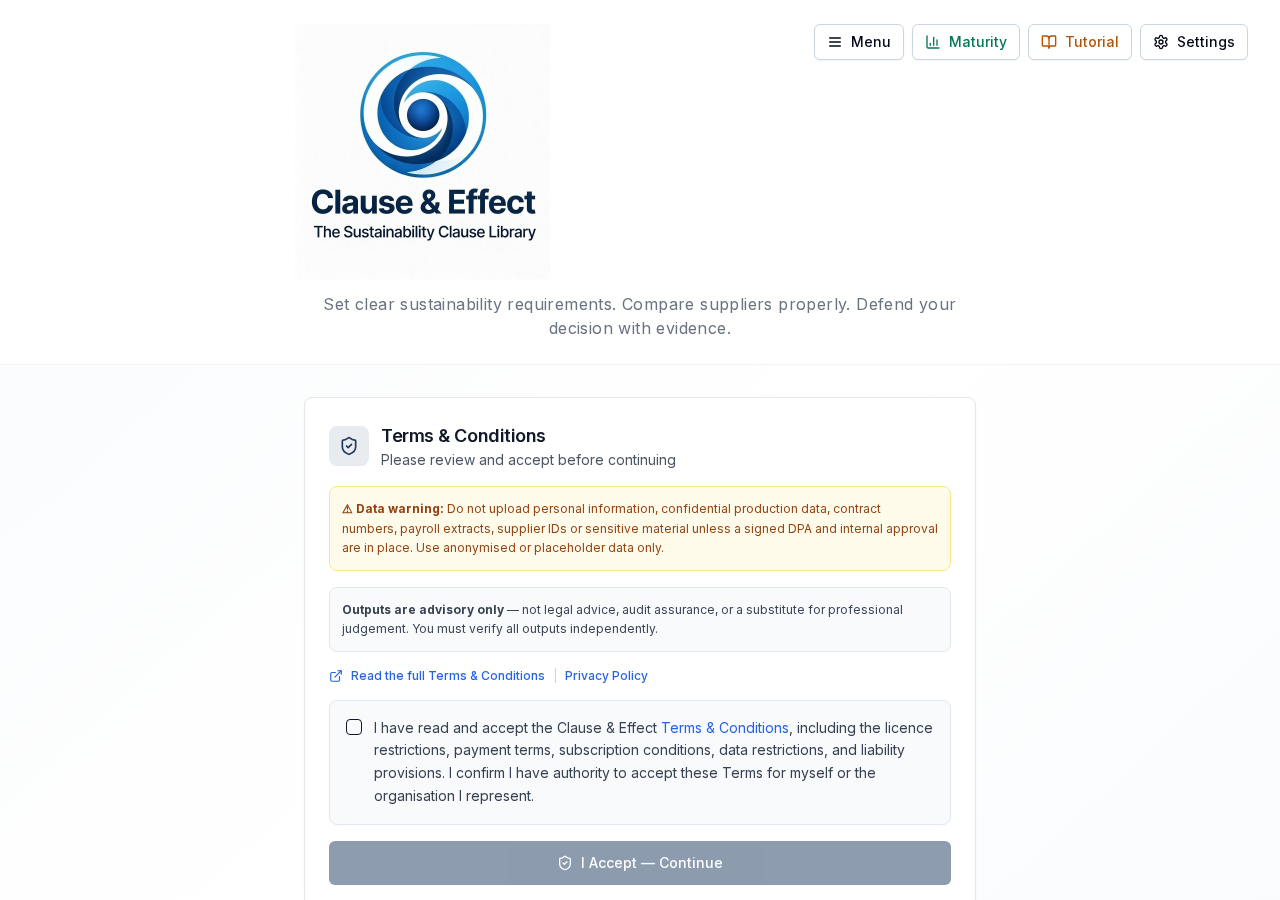
Terms & Conditions — tick the checkbox and click 'I Accept' to proceed
Choose your path
After accepting the T&Cs, you will see two options: "Create Question Set" to build new tender requirements, or "Assess Responses" to evaluate a supplier bid submission. You can switch between these at any time.
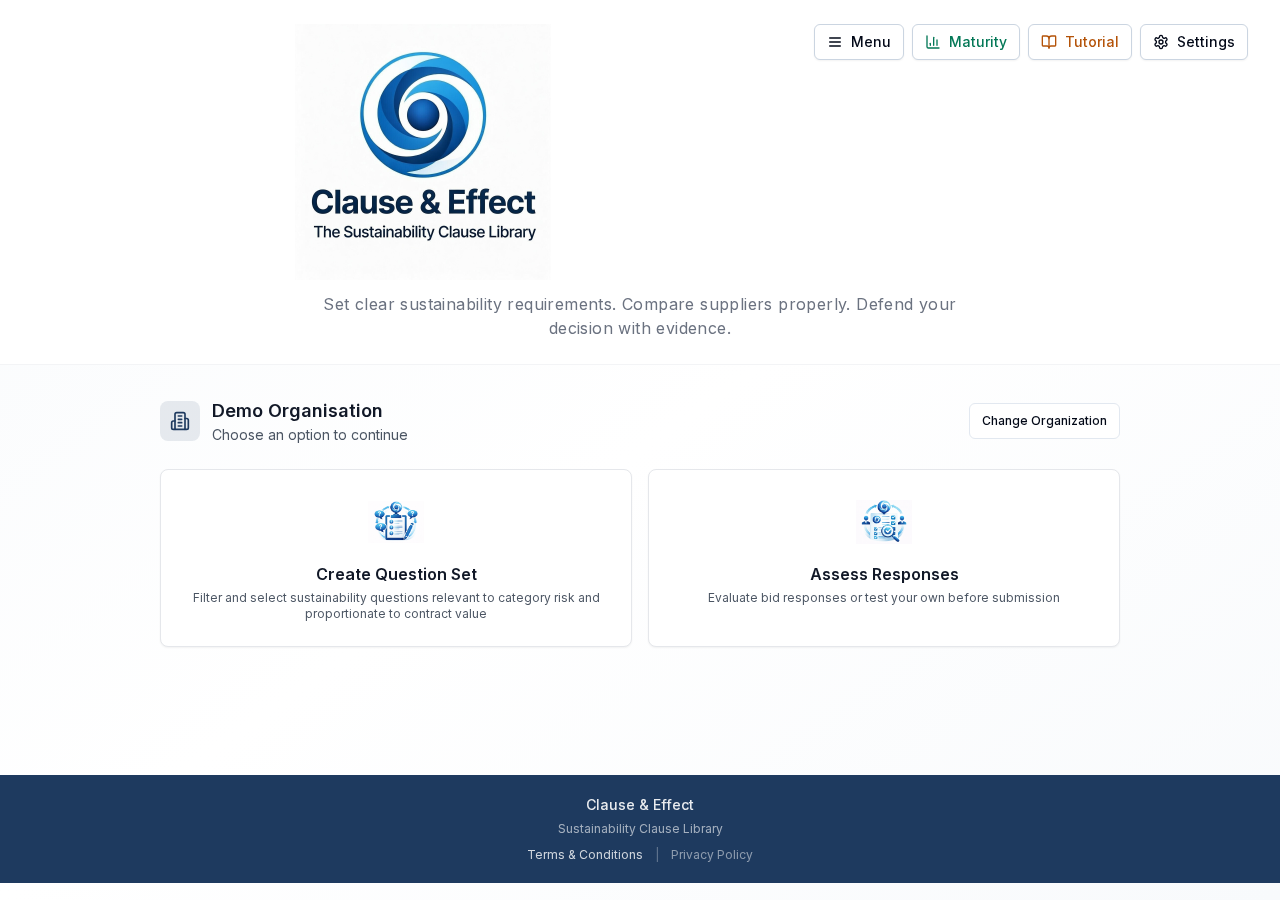
Choose your path — create new requirements or assess existing bid responses
No IT involvement required — Clause & Effect is designed for zero-friction onboarding. Email and organisation name are all you need. Returning users bypass the T&C step entirely.
ISO 20400 Aligned
Every question in Clause & Effect is traceable, measurable, and defensible — adapted for the Australian context with 184 procurement categories across 14 sustainability themes aligned to the Global TOM System.